Tabs (credit) go on the unpaid list; collections go into register close
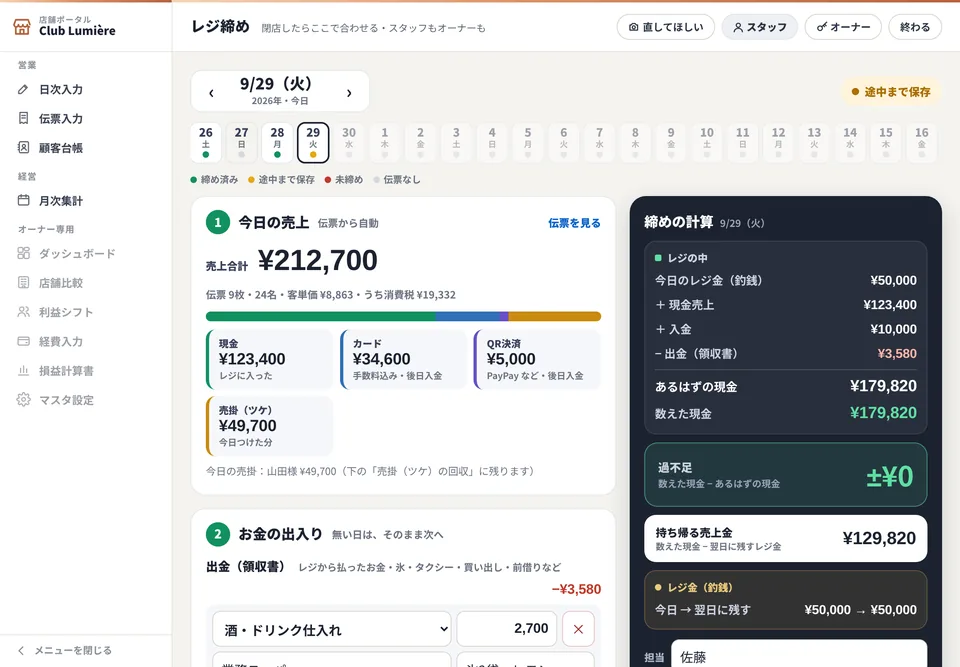
At checkout, choose "Tab (credit)" and enter the customer's name. It stays on the list of unpaid tabs, showing the date and the amount still owed. On the day the customer comes to pay, press "Collect" and enter the amount. Even with part payments, the remaining amount stays on the list as it is.
Amounts received in cash go into that day's register close calculation, and the total still unpaid also shows on the owner's dashboard on their phone. Tab (credit) management is included in every plan too.
Whether to accept tabs, and the rules when you do, is for your club to decide in line with the law and local ordinances. If in doubt, please consult a professional. For how to record them, see Tab (credit) management.